Organizing creators into groups
Use groups to organize saved creators by campaign, tier, or status.
Groups are collections of saved creators. Most teams use one group per campaign, but you can
organize however you like — by tier, product line, or outreach stage.
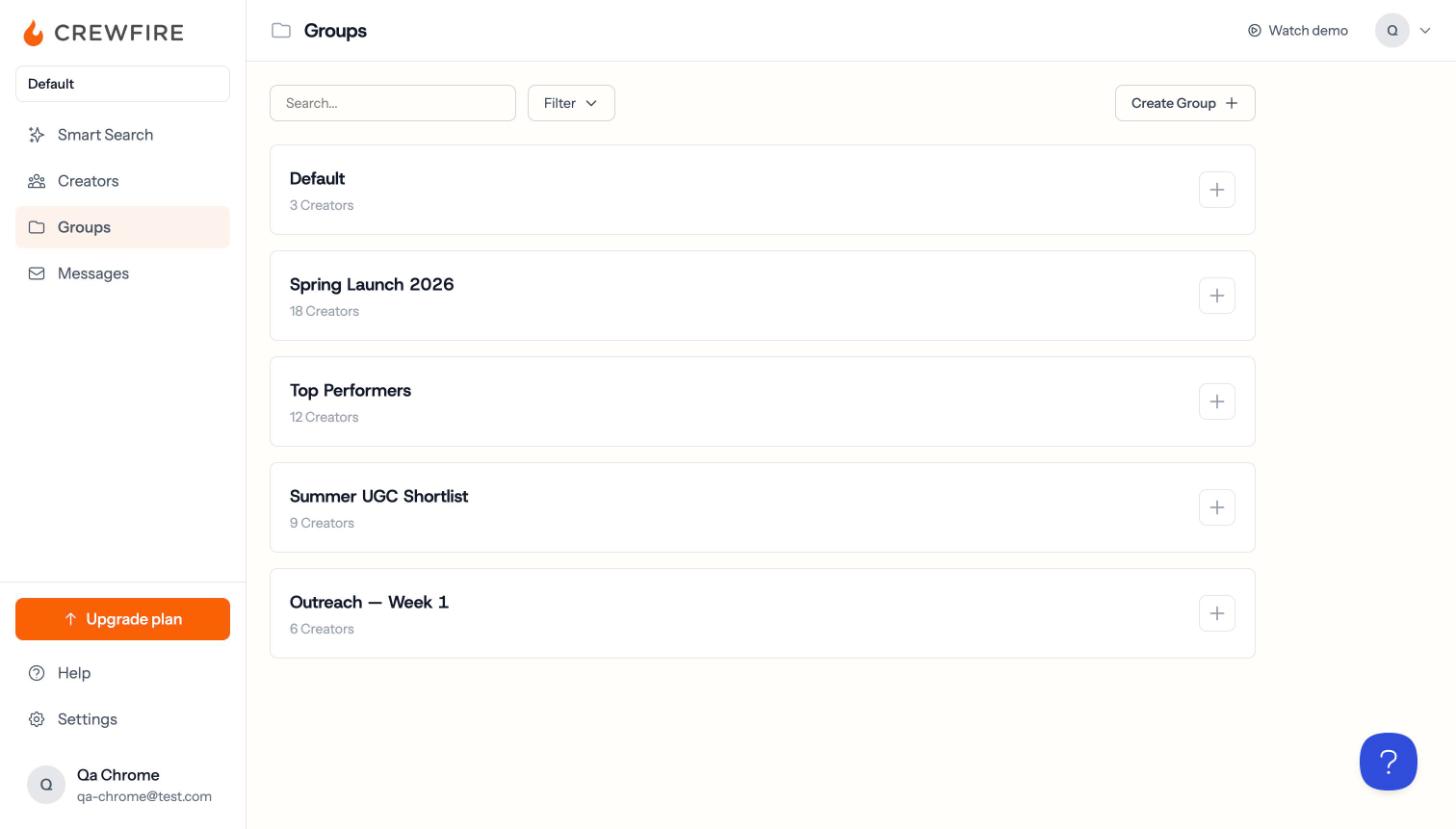
The Groups page — one group per campaign keeps outreach organized.
Default group
Every workspace starts with a Default group, so saved creators always have a home. You can create
more groups at any time.
Working with groups
- Create a group from the Groups page and give it a clear name (e.g. "Spring Launch 2026").
- Add creators to a group from your roster or from a creator's profile.
- A creator can belong to more than one group.
Group limits
| Plan | Groups |
|---|---|
| Free | 1 |
| Pro | 10 |
| Growth | Unlimited |
| Business | Unlimited |
| Agency | Unlimited |
On Free, the Default group fills your single-group allowance. Upgrading unlocks more groups so you
can run multiple campaigns side by side.
More in Organizing & Outreach
Still need help?
Can't find what you're looking for? Our team is happy to help.
Or email us directly at support@crewfire.com